

Open-source AI,served by the people.
A network of machines serving open models. Run the app to add yours, or reach the whole network through one OpenAI-compatible API. Peers by default; rare uptime fallback may use an external provider.
Two roles. One mesh.
Anyone can use the network — through an OpenAI-compatible API, or the chat on senda.network — without running anything themselves. The models are served by peers who run the Senda app on their own hardware. Anyone can do one, both, or neither.
Free chat on senda.network needs no account. Paid /v1 uses an OpenAI-compatible endpoint with a ck_ key from /buy. Streamed response either way.
Requests land at the public mesh entry point and are routed to a peer that can serve the requested model — by capability, by load, by latency.
Volunteered nodes running Senda LLM serve each session end-to-end on whichever peer fits the model, and the router auto-routes around offline ones. A model too big for any single peer can be split across several.
Put your machine on the mesh.
The Senda app joins the peer-to-peer mesh on install: your hardware serves what it can, and you chat with what the mesh serves. Manage models, watch peers, and talk to live open-weight models — one native app for macOS, Windows, and Linux.
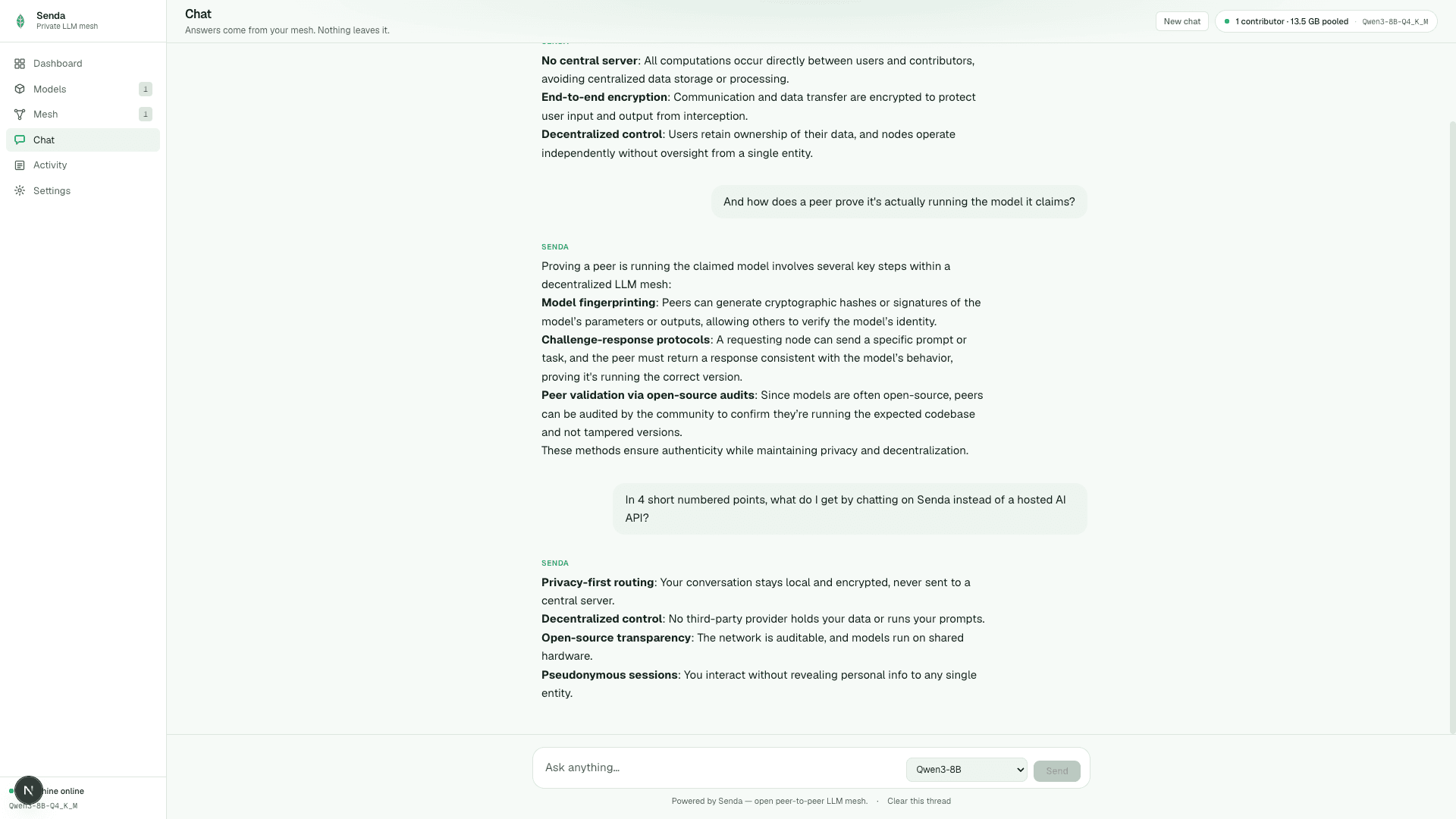
Stream answers from the mesh with model selection, thread history, and no account.
Get the app →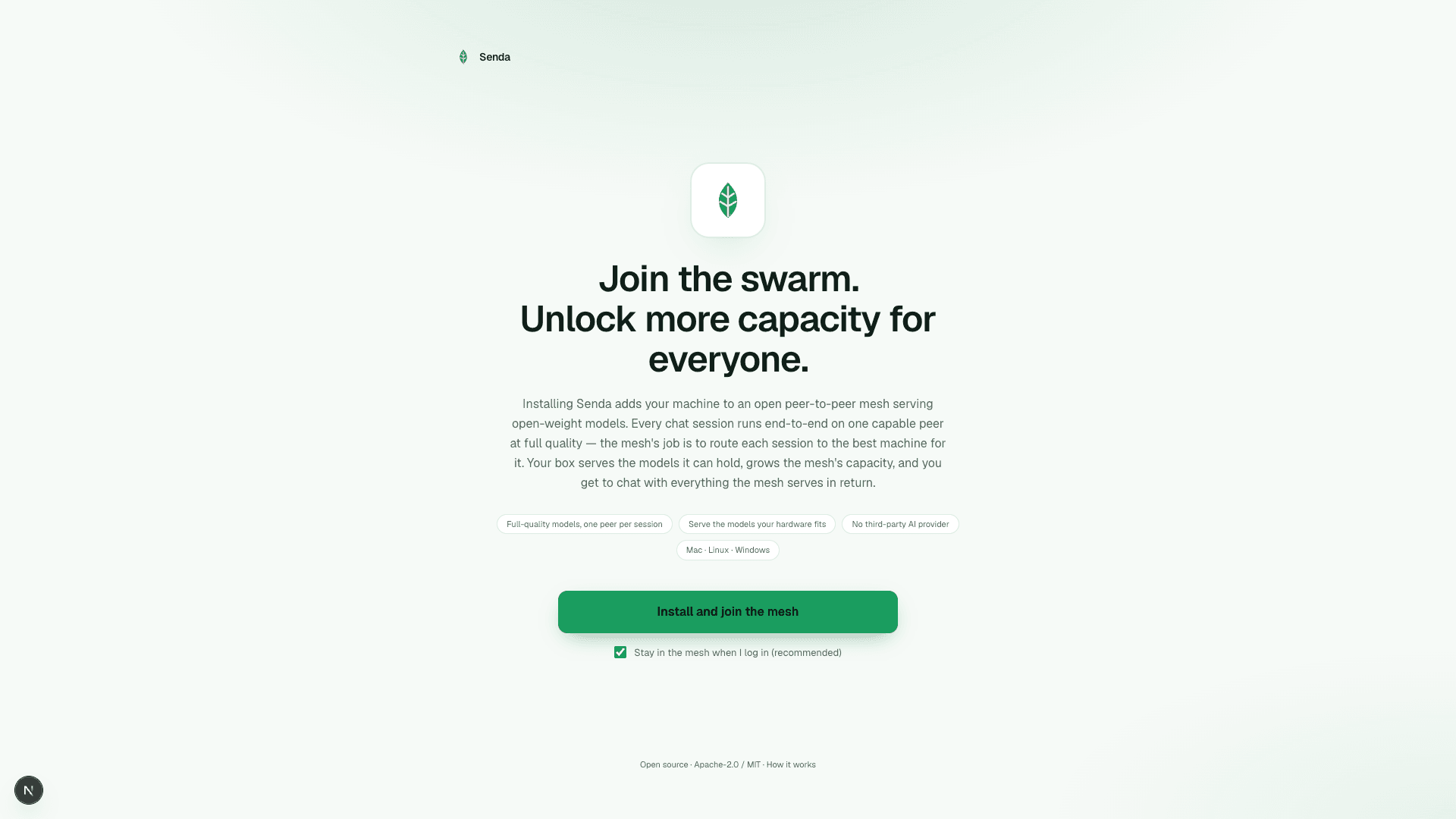
Install the runtime, opt into staying live on login, and start contributing capacity.
How to contribute →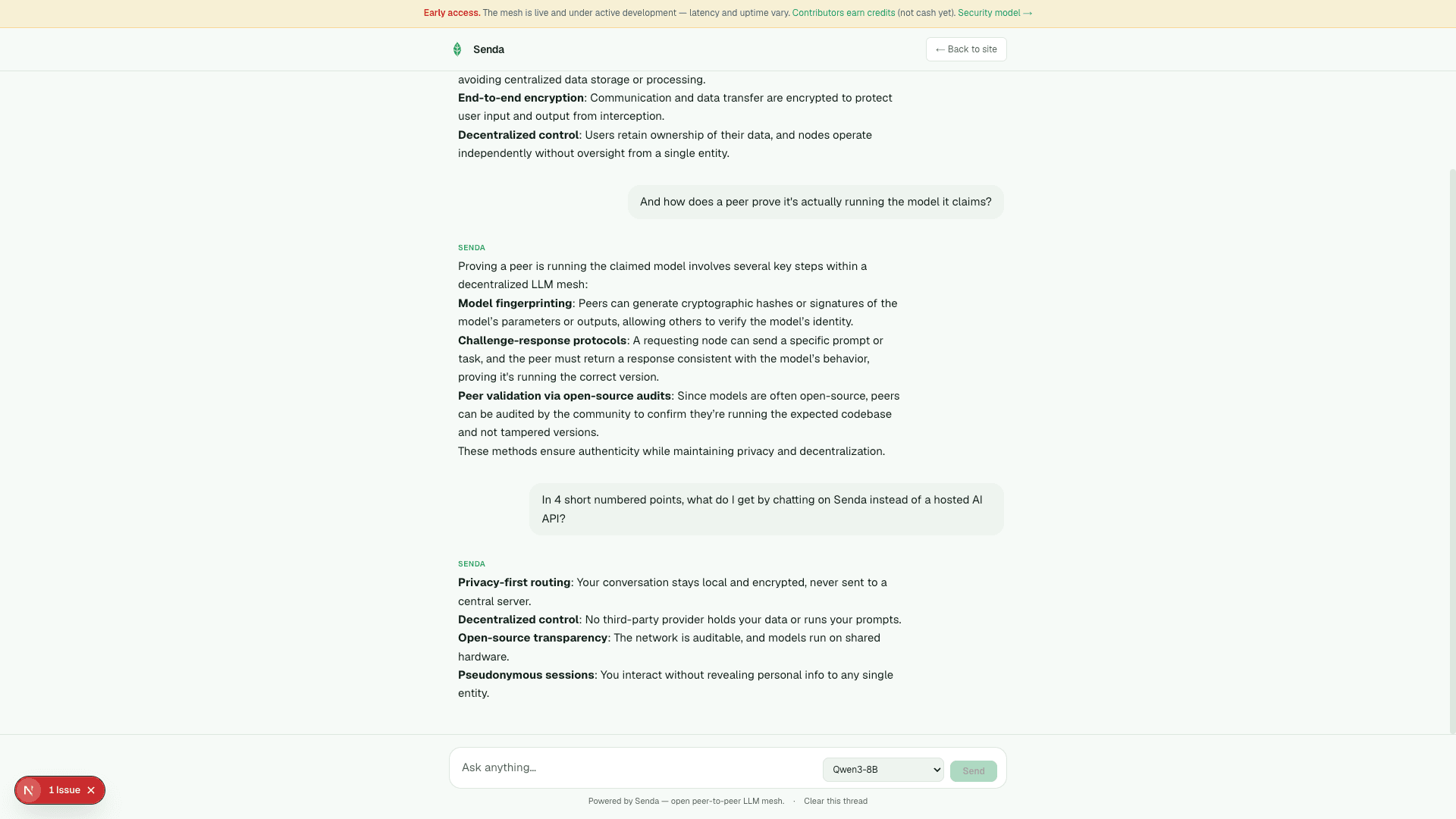
No install required — chat at senda.network, then graduate to the desktop app when you want to run a node.
Try the mesh →Capacity is everywhere. Senda just uses it.
Your prompt goes to a peer running an open-weight model on contributed hardware. Rare uptime fallback may use an external provider so the API stays sellable — the default path is the mesh.
An M3 Max or M4 Max with 64–128 GB of unified memory can serve 30B–70B-class models at full quality — competitive with, and often ahead of, same-price Windows GPU boxes for large models. CUDA / ROCm / Vulkan machines join too; each fits different model sizes.
A model that fits on one peer runs there start to finish — full quality, no per-token network hops. Splitting a model across peers exists as a fallback for models no single peer can hold.
The mesh checks that a peer actually runs the model it advertises: each publishes a deterministic fingerprint and the network re-runs an unpredictable synthetic probe to compare. A peer can't claim a big model while quietly serving a smaller one. Real prompts are never replayed.
Every peer exposes a standard /v1/chat/completions endpoint. Drop-in for any tool that speaks OpenAI — agents, IDE plugins, internal scripts.
The peer serving your session reads your prompt. Don't want to trust someone else's box? Run the same open-source runtime yourself — the mesh, on hardware you control. Share it, rent it, or keep it entirely in-house.
Use the mesh. Or become part of it.
Chat free on senda.network, or use the paid API preview: OpenAI-compatible /v1 with a key. Requests go to mesh peers by default; rare uptime fallback may use an external provider.
API preview →Have a capable Mac or GPU box? Download the desktop app or curl the runtime. It joins the mesh and adds capacity for everyone.
Contribute →Nodes track contributor credits (not cash). Paid /v1 mesh serves may also accrue Peer USD — bind a wallet in desktop, withdraw USDC on /earn when you clear the minimum. Separate from the customer API balance.
Earner dashboard →Built for the work you keep in-house.
Senda is low-cost inference on open-weight models, served by the mesh instead of a hosted AI API. It's for teams where keeping data off third-party providers and keeping per-token costs flat matter more than shaving a second off every reply.
- Summarizing documents and codebases
- Classifying or labeling data at scale
- Long-running background agents and pipelines
- Synthetic-data generation
- Anything private or high-volume where an instant answer isn't the point
- Peers by default — your prompt goes to a mesh peer; rare uptime fallback may use an external provider
- Yours to control — run your own peer on hardware you own, not a rented black-box endpoint
- No lock-in — OpenAI-compatible API, fully open-source runtime
- Verified peers — each one proves it runs the model it advertises
The questions people ask first
What is Senda?
A peer-to-peer mesh that runs open-weight models on hardware contributors already own. Reach it through an OpenAI-compatible API — or the chat on senda.network — and a capability-aware router sends each request to a peer that can serve it. Peers by default; rare uptime fallback may use an external provider.
Do I need to sign up or install anything to chat?
No. Open senda.network and start typing — no account, no install. The desktop app is only needed if you want to run a node and contribute compute.
Is there a paid API?
Yes, as an early-access preview. Top up USDC on /buy, mint a ck_ key, and call senda.network/v1. Free chat stays free. Rates and settlement are preview-grade — see /terms.
Do nodes earn USD?
Contributor credits are not cash. Separately, peers that serve paid /v1 traffic may accrue Peer USD and withdraw USDC after binding a wallet (minimum on /earn). Preview: capped, kill-switchable, no payout SLA.
Can a peer read my prompts?
The peer serving your session has to read the prompt to run inference — that's the honest trade versus a hosted API. The runtime is open source so peers can be audited, sessions aren't tied to an identity, and for anything you don't want to trust to others, you can run your own peer with the same runtime.
Which models can I use?
Open-weight models served by live peers — the set changes as peers come and go, which is why the live status above lists what's serving right now. Apple Silicon Macs with enough memory can serve 30B–70B-class models at full quality; smaller machines serve smaller models well.
What hardware can contribute?
Apple Silicon Macs (Metal), and NVIDIA (CUDA), AMD (ROCm) or Intel/other (Vulkan) GPU boxes on macOS, Linux, or Windows. The installer detects your OS, CPU architecture and GPU vendor and pulls the matching build.
Use the network, or help run it.
Build on it through the API, try it in your browser, or add your machine and grow the network for everyone.